
Google Analytics
Google's free web and app analytics, with a paid 360 edition for large companies
Free, with funnels, cohorts, ecommerce reports, Google Ads integration and a BigQuery export. It sets cookies that generally need consent in the EU, takes 24 to 48 hours to process data, and asks for real learning before the reports make sense.
- Free
- Funnels, cohorts, BigQuery
- Cookies, consent in the EU
- 24 to 48 hours to process
We make WireBoard, one of the tools we review. It is scored on the same criteria as every other tool. How we review
Who it suits
A good fit if
- You want funnels, cohorts and ecommerce reports without paying for them.
- You advertise on Google Ads and want your key events and audiences in your campaigns.
- You want raw event data in BigQuery without an enterprise contract.
Look elsewhere if
- You want to skip the consent banner in the EU: Google Analytics sets cookies and generally needs consent.
- You need final numbers the same day: Google says processing takes 24 to 48 hours.
- You want to explore more than 14 months of event data without paying for Analytics 360.
Scores
Above average on pricing and features. Below average on real-time data, ease of use and privacy.
- Google Analytics
- Average of the 18 tools we reviewed
Every tool is scored from 0 to 5 on the same seven criteria, and the overall score is their average. How we score
Why these scores
- Pricing5.0, average 3.6
- Free for any site, with every core report. Analytics 360 is optional and sold by contract.
- Features5.0, average 4.1
- Events, key events, funnels, cohorts, audiences, ecommerce reports, the Data API and a free BigQuery export.
- Reporting4.5, average 4.1
- Explorations, comparisons, scheduled email reports and Looker Studio, but large queries are sampled and small numbers hidden.
- Design3.5, average 3.9
- A clean interface whose report menu admins can rearrange, but it is crowded, and dashboards need Looker Studio.
- Real-time data2.5, average 3.2
- The Realtime report covers the last 30 minutes with sources, pages and events, but Google says it typically runs a few minutes behind.
- Ease of use3.0, average 3.8
- The tag goes in within minutes and collects common events by itself, but the reports and Explorations take real learning.
- Privacy1.5, average 3.2
- Two-year cookies that generally need consent in the EU, and Google can use the data for its own products if you allow it.
Key facts
Free and deep, with a BigQuery export. The costs: cookies that need consent in the EU, short exploration history, and data that takes a day or two to settle.
- Price
- Free. Analytics 360 is sold by contract, with no public price
- Free plan
- Yes, the standard version, with no paid tier to unlock reports
- Cookies
- _ga and _ga_ plus the container ID, each kept 2 years by default
- Open source
- No
- Self-hosting
- No
- Data stored in
- Google's servers. EU, Swiss and UK visits are geolocated on servers in those regions and their IPs not stored
- Company based in
- United States (Google LLC), with Google Ireland for EU customers
- Live view
- Realtime report of the last 30 minutes, typically a few minutes behind
- Data kept for
- 2 or 14 months for explorations and funnels (2 by default), up to 50 months on 360
- Processing time
- 24 to 48 hours, and late events can arrive up to 7 days later
- Exact numbers
- Explorations sampled above 10 million events, thresholds you cannot adjust
- Raw data export
- Free daily BigQuery export of up to 1 million events
From Google Analytics’s own site, checked on .
Pricing
The standard version is free for any site. Analytics 360 is for large companies and sold by contract, with no public price.
Freefor the standard version, with every report and the BigQuery export
Google Analytics
30 key events, 50 custom dimensions, explorations over up to 14 months, BigQuery export of 1 million events a day
Free
Analytics 360
50 key events, 125 custom dimensions, up to 50 months of data, unsampled explorations, intraday data within an hour and service level agreements
On request
Google publishes no price for Analytics 360. Its sales team and partners sell it under a contract, and an upgraded property is billed once the account moves onto that contract.
Our review
What you get
Google Analytics 4 measures websites and apps as a stream of events. With enhanced measurement switched on, the Google tag collects page views, scrolls (when someone reaches 90% of a page), outbound clicks, site searches, file downloads, form interactions and plays of embedded YouTube videos without extra code. You mark the events that matter as key events (30 per property on the free version) and build from there: funnels, path and cohort explorations, ecommerce reports, audiences and attribution.
It is free for any site, and that is most of its appeal. One property can measure a website and an app together, and it connects to Google's other products, above all Google Ads and Search Console. The free version can export up to 1 million events a day to BigQuery, Looker Studio builds dashboards on top, and the Data API feeds other tools.
Google has also added Ask Advisor, a Gemini-based assistant that answers questions about your property in plain language. Google labels it a beta, says it only works in properties set to English, and warns that it can make mistakes.
Who it is for
Google Analytics suits sites that want depth without a bill: shops that need ecommerce reports, marketers who run Google Ads and want key events and audiences in their campaigns, and teams that want raw event data in BigQuery. If someone on your team already knows GA4, the free price is hard to beat.
It suits a site owner less well if all they want is a quick answer to "how many people came today, and from where?". The interface is crowded, the reports take a day or two to settle, and in the EU it brings a consent banner with it. Small blogs, local businesses and agencies with many client sites often find a simpler tool easier to live with. Our free shortlist lists the free options, and the Google Analytics alternative guide explains how to choose and how to switch.
Setting it up
You create an account and a property, then add a web data stream for your domain. The Google tag goes in by hand, through Google Tag Manager or with a CMS plugin, and page views show up in the Realtime report within minutes.
The real work comes after. You decide which events and parameters to send beyond the automatic ones, register custom dimensions for the parameters you want in reports (50 per property), mark key events, link Google Ads and Search Console, and set up consent mode if you have visitors in Europe. Ecommerce reports need your shop to send purchase events in Google's format, which a plugin or a developer usually handles.
One setting deserves attention on day one. Google says properties keep 2 months of event-level data by default, and you can raise that to 14 months under Data retention. Leave it, and your explorations will never reach further back than two months.
Expect a useful traffic and sources report the same day. Funnels and key events that reflect your business take a few days to a few weeks of tuning.
Reports and dashboards
The Reports section holds the standard views: a snapshot, Realtime, acquisition (where users and sessions came from), engagement (pages, events, key events), monetisation for ecommerce and ad revenue, and retention. Admins can rearrange the report menu and build custom detail reports. You can compare segments and date ranges in any report, and admins can schedule up to 50 reports per property to go out by email daily, weekly, monthly or quarterly, as PDF or CSV files.
Questions the standard reports do not answer go to Explorations: free-form tables, funnel explorations, path explorations, segment overlap, cohort explorations and user lifetime. They answer far more questions but take time to learn, and they only reach back as far as your retention setting allows. Google samples an exploration when the query covers more than 10 million events. It also withholds rows with too few users when demographics or search queries are involved, using thresholds you cannot adjust.
The Realtime report covers the last 30 minutes: active users, sources, pages, events and key events. Google says its data is typically a few minutes old and that it runs without a formal service level. The standard reports are slower: Google says processing can take 24 to 48 hours, and some events arrive up to 7 days late.
There are no free-form dashboards inside Google Analytics. For a wall screen or a dashboard that mixes sources, you use Looker Studio. For raw data, the daily BigQuery export (free up to 1 million events a day), the streaming export (billed by BigQuery) and the Data API cover most needs.
Privacy and your data
The Google tag sets two first-party cookies, _ga and _ga_ followed by the container ID, each kept for 2 years by default. Admins can shorten that in the tag settings. Google says it does not log or store individual IP addresses from EU, Swiss or UK users, and does the location lookup on servers in those regions before discarding the address. Admins can switch off Google signals, and granular location and device data, region by region.
What Google may do with the data depends on the data sharing settings you pick when you create the account. With "Google products and services" on, Google can analyse your data to improve its own products, including its ad tools. With every setting off, Google says the data is used only to provide and maintain the Analytics service. Linking Google Ads puts your audiences and key events to work in ad campaigns.
Because it sets cookies and Google can reuse the data, EU regulators such as France's CNIL say Google Analytics generally needs visitors' prior consent. With consent mode, visitors who refuse disappear from your reports unless the property qualifies for Google's modelling. That needs at least 1,000 events a day from visitors who refuse, for at least 7 days, and 1,000 daily users who accept, on at least 7 of the last 28 days. Whether your site needs a banner depends on the law where you operate.
Pricing in practice
A small site pays nothing. A blog or a local business with 20,000 visits a month uses the standard version at no cost, with every report. The cost is time: setting up key events, learning Explorations and running a consent banner.
A growing shop or SaaS product also pays nothing for Google Analytics itself. Any bills come from around it: BigQuery storage and queries beyond the free sandbox, the streaming export (Google cites $0.05 per gigabyte, billed by BigQuery), a consent platform, and the hours of an analyst or agency to keep the tagging accurate.
A large organisation that hits the free limits can upgrade a property to Analytics 360. Those limits are 30 key events, 50 custom dimensions, 14 months of exploration history, 1 million exported events a day and sampling above 10 million events. Google publishes no price for 360. Its sales team and partners sell it under a contract, and an upgraded property gets service level agreements only once the account moves onto that contract. In return, 360 raises key events to 50 and custom dimensions to 125, keeps up to 50 months of event data, samples at 1 billion events, adds unsampled explorations and delivers intraday data in about an hour.
There is no overage on the free version. You reach the limits and live with them, or move to 360. Our web analytics pricing comparison shows what the alternatives cost.
Alternatives to Google Analytics
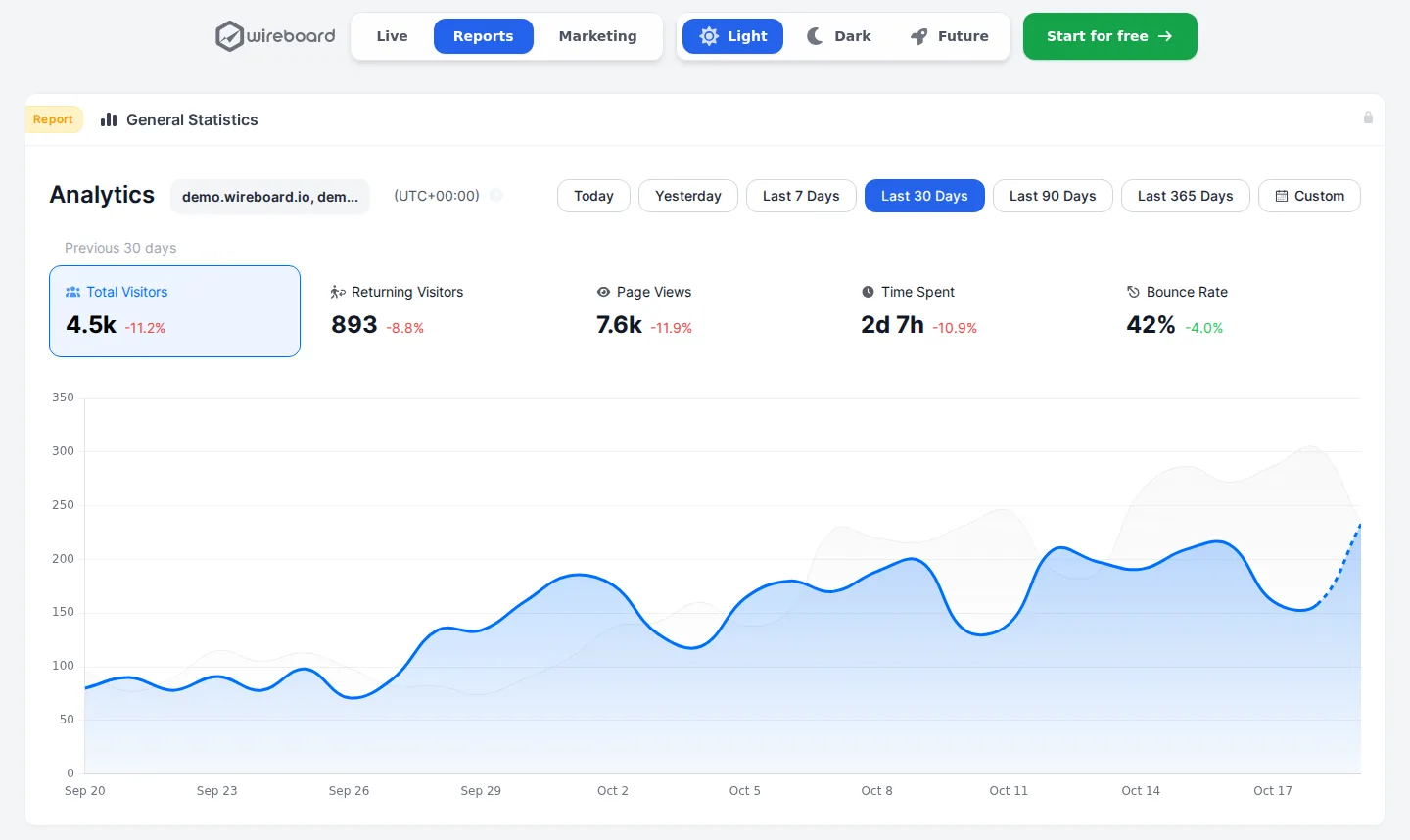
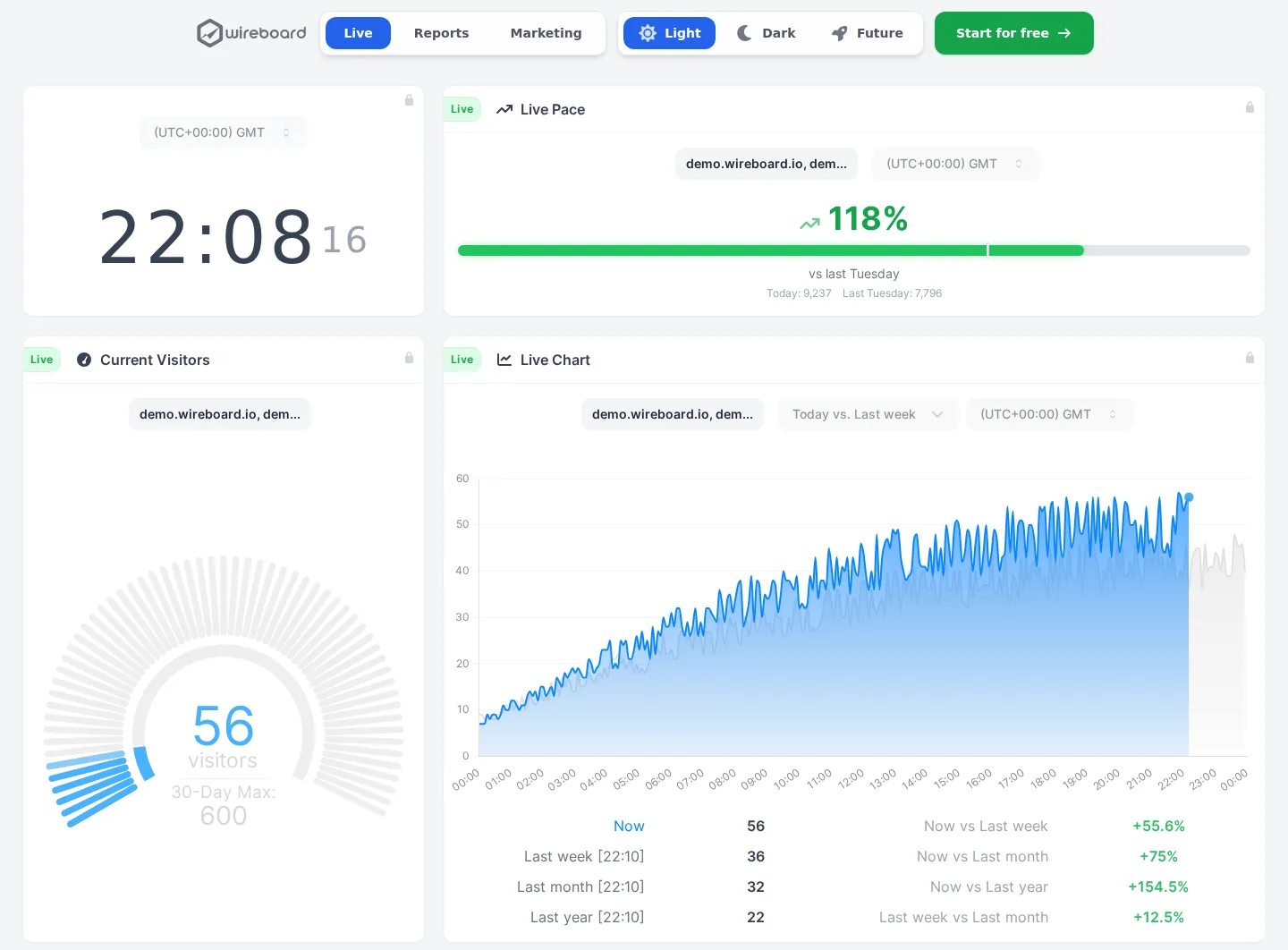
WireBoard (made by us) suits readers who want to watch their traffic live. Its dashboards update within seconds, one view can add up several sites, and events, goals, funnels and revenue are on every plan. It is free for 2 sites and 50,000 pageviews a month, then $9 a month for 100,000 pageviews on 50 sites, on servers in Germany and Finland. Like Google Analytics, it sets cookies by default, with an optional cookieless mode.
Matomo is the closest match in depth, with ecommerce, funnels, cohorts and heatmaps. It is open source, runs in the cloud from $26 a month or free on your own server, and Matomo Cloud can import your Google Analytics data.
Plausible trades depth for a one-page dashboard without cookies, from $9 a month, and imports your GA4 history. Fathom Analytics is also cookieless and imports GA4 data, from $15 a month for 100,000 pageviews on up to 50 sites, but has no funnels. If live data is what you are after, see the real-time shortlist.
Where it falls short
History is short where you need it most. Explorations and funnel reports reach back 14 months at most, and only 2 if you keep the default, though standard reports are not affected. Universal Analytics history was deleted in July 2024.
Numbers are not always exact. Large explorations are sampled, small groups of users are hidden, and the standard reports take a day or two to settle. Even the Realtime report runs a few minutes behind.
It asks for learning. Basic questions are easy, but anything past the standard reports means Explorations, custom dimensions or BigQuery, and dashboards live in a separate tool. In the EU you add a consent banner, with a gap in your data for every visitor who refuses unless your site is big enough for modelling. And if you switch on the "Google products and services" sharing setting, your data also feeds Google's own products.
How it compares
Matomo covers the same features and can import your history, Plausible and Fathom are simpler and cookieless but paid, and Adobe Analytics competes with Analytics 360.
- Free plan
- Up to 50k pageviews
- Cookieless
- Optional
- Open source
- No
- EU hosting
- Yes
- Free plan
- Up to 1M events a month
- Cookieless
- No
- Open source
- No
- EU hosting
- Your choice
- Free plan
- Self-hosted only
- Cookieless
- Yes
- Open source
- Yes
- EU hosting
- Yes
- Free plan
- Self-hosted only
- Cookieless
- Optional
- Open source
- Yes
- EU hosting
- Yes
- Free plan
- No
- Cookieless
- Yes
- Open source
- No
- EU hosting
- No
Google Analytics (this review)
Starts at Free
3.6out of 5
- Free plan
- Yes
- Cookieless
- No
- Open source
- No
- EU hosting
- No
- Free plan
- No
- Cookieless
- No
- Open source
- No
- EU hosting
- No





Made by us

WireBoard
See your traffic as it happens, on live dashboards you build yourself. Nearly every feature is on the free plan.
- Visitors, sources and events streamed live
- Several sites in one view, on 60+ widgets
- Events, goals, funnels and revenue on every plan
- Free for 2 sites, $9 a month for 50
- Data processed in Germany and Finland
Questions
Is Google Analytics really free?
Yes. The standard version costs nothing and includes every report, Explorations and the BigQuery export of up to 1 million events a day. Analytics 360 is the paid edition, with higher limits, longer history and service level agreements. Google sells it by contract and publishes no price.
Does Google Analytics need a cookie banner?
In the EU, generally yes. It sets the _ga cookies for 2 years, and regulators such as France's CNIL say it needs visitors' prior consent. Consent mode makes the tag wait for that consent. Visitors who refuse are missing from your reports unless your site is big enough for Google's modelling, which needs at least 1,000 events a day from visitors who refuse and 1,000 daily users who accept.
How long does Google Analytics keep my data?
The free version keeps event-level data for Explorations and funnel reports for 2 or 14 months, and 2 is the default, so change it on day one. Standard aggregated reports are not affected. Analytics 360 goes up to 50 months. Universal Analytics history was deleted in July 2024.
Why does Google Analytics data keep changing?
Google says processing can take 24 to 48 hours, and some events arrive up to 7 days late, so the figures for recent days can still move. Wait a few days before you treat a day's numbers as final, or compare full weeks. Analytics 360 adds intraday data within about an hour.
Is Google Analytics real time?
Partly. The Realtime report shows the last 30 minutes of activity, with active users, sources, pages, events and key events. Google says its data is typically a few minutes old, and that the report runs without a formal service level. The standard reports take longer, because processing can take 24 to 48 hours. If you need a view that updates within seconds, look at a tool built for live data.
Where is Google Analytics data stored?
On Google's servers. Google documents no setting to keep Analytics data in a region you choose. For visitors in the EU, Switzerland and the UK, Google says it looks up their location on servers in those regions and does not log or store their individual IP addresses. Google LLC is a US company, and EU customers contract with Google Ireland.
Google Analytics or Matomo?
Both cover events, funnels, ecommerce and segments. Google Analytics is free, but it sets cookies, keeps exploration data for 14 months at most, and lets Google use your data if you allow it. Matomo is open source, runs in the cloud from $26 a month or free on your own server, has a cookieless mode, and Matomo Cloud can import your Google Analytics data.
Can I move my Google Analytics history to another tool?
Several alternatives import GA4 data, among them Matomo Cloud, Plausible and Fathom, so your charts do not start from zero. Check how far back each one imports and which reports the imported figures feed. Export anything else you need before you switch, because event-level data older than your retention setting is already gone.
About this review
First published on . Facts and prices checked on against Google Analytics’s own site.
Analytics Alternative is run by SwissOps, which also makes WireBoard, one of the tools on this site. WireBoard is scored on the same seven criteria as every other tool. How we review
Where the facts come from:
- marketingplatform.google.com/about/analytics
- marketingplatform.google.com/about/analytics-360
- support.google.com/analytics/answer/11202874
- support.google.com/analytics/answer/7667196
- support.google.com/analytics/answer/7579450
- support.google.com/analytics/answer/11198161
- support.google.com/analytics/answer/9271392
- support.google.com/analytics/answer/11397207
- support.google.com/analytics/answer/12017362
- support.google.com/analytics/answer/1011397
- support.google.com/analytics/answer/11161109
- support.google.com/analytics/answer/9383630
- support.google.com/analytics/answer/9216061
- support.google.com/analytics/answer/9358801
- support.google.com/analytics/answer/13722168
- support.google.com/analytics/answer/16675569
- cnil.fr/en/sheet-ndeg16-use-analytics-your-websites-and-applications
Spotted something out of date? Tell us.